Simracing
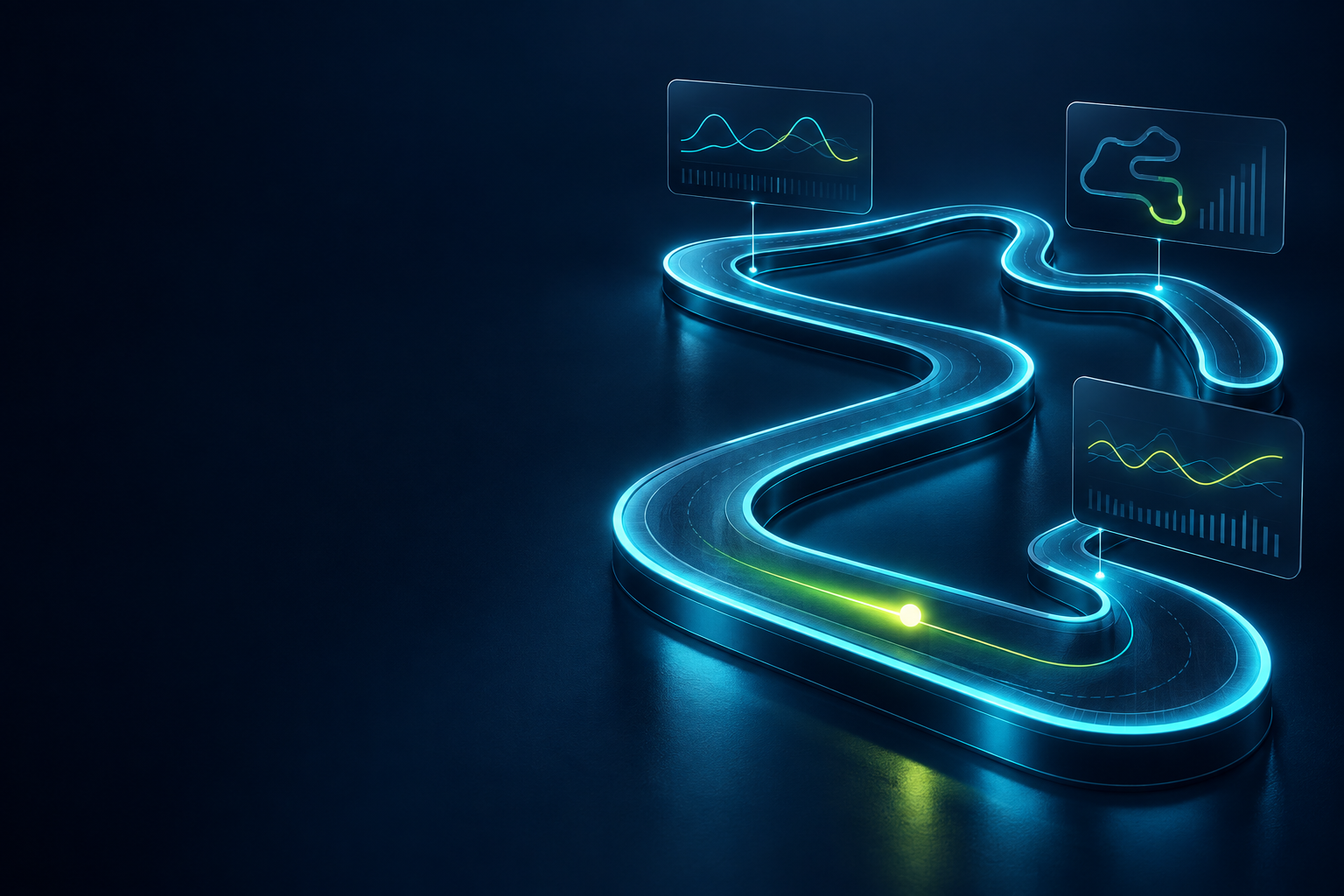
Kifly TrackMind
Your iRacing session, in real time. Telemetry, customizable overlay and lap logging to compare your performance.
Freev1.1.0View details
KIFLY / YOUR DIGITAL TOOLKIT
Apps for your videos, live streams and projects. Find what you need and keep it in one library.
THE CATALOG
Your iRacing session, in real time. Telemetry, customizable overlay and lap logging to compare your performance.
Prepare videos for YouTube, Instagram, and TikTok from one dashboard: accounts, texts, scheduling, and post history.
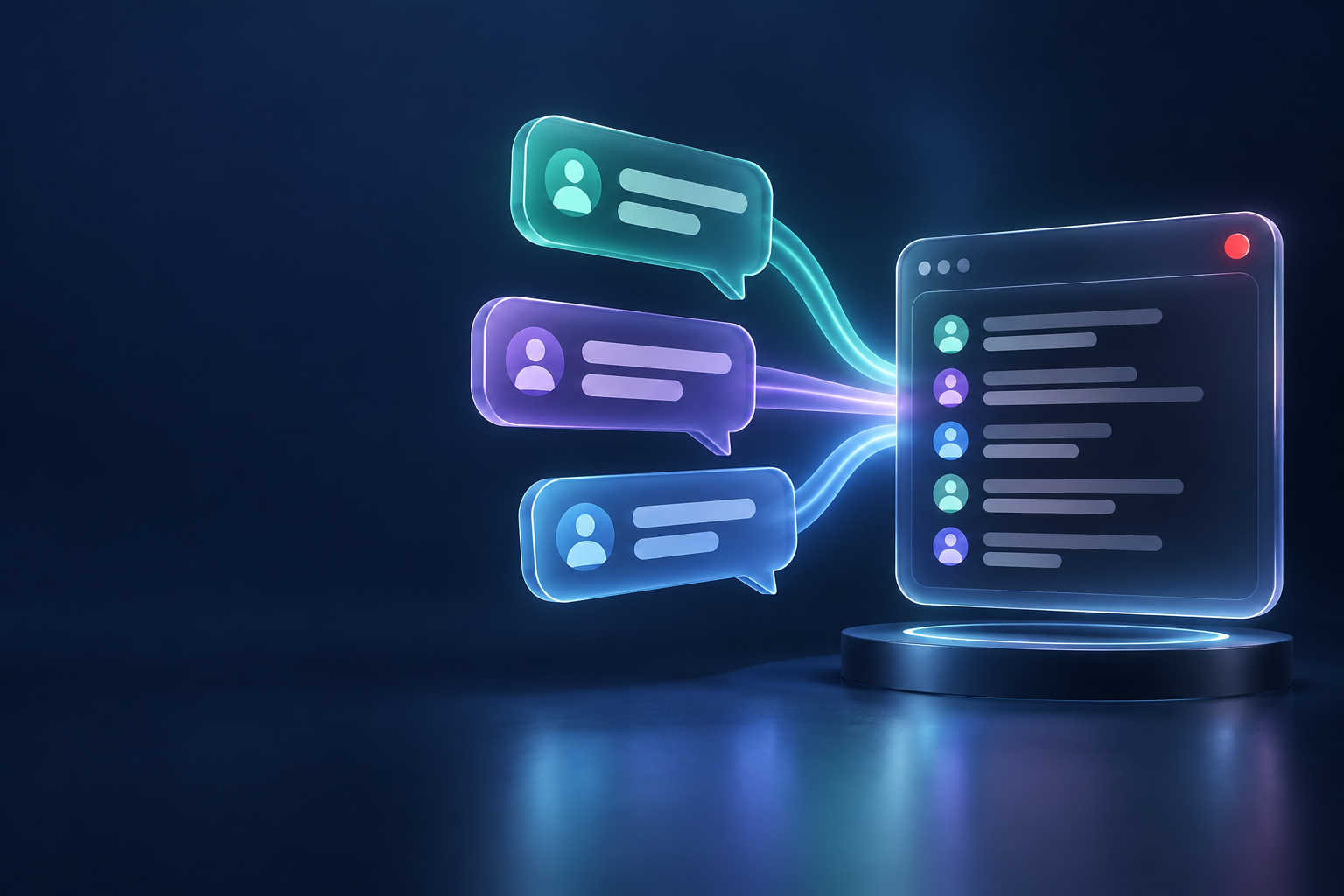
Bring together Twitch Chat, YouTube, Kick, and TikTok LIVE in a customizable overlay, with message logging and reading.
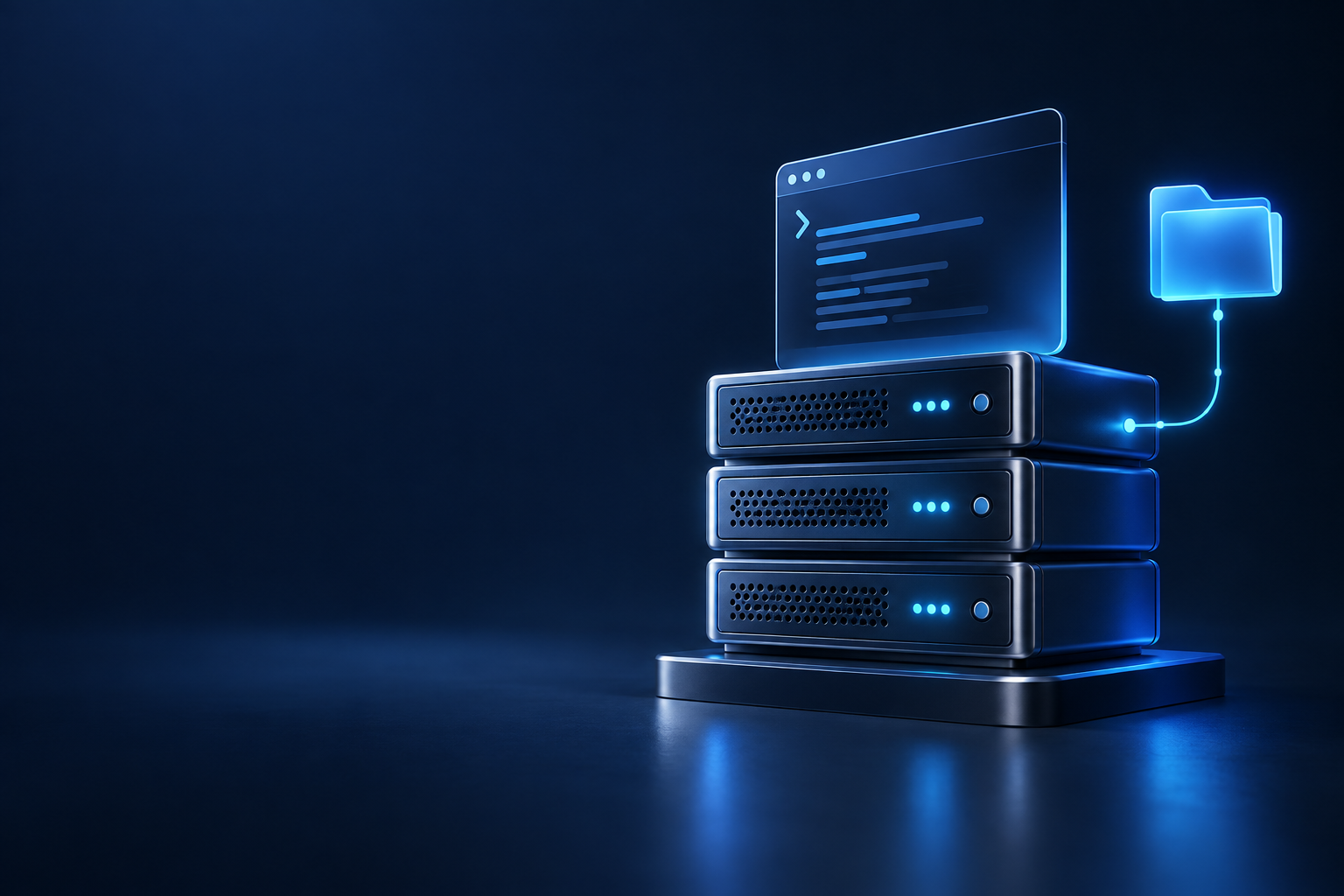
Manage projects and servers by SSH. Browse local and remote files, transfer changes, and create backups.
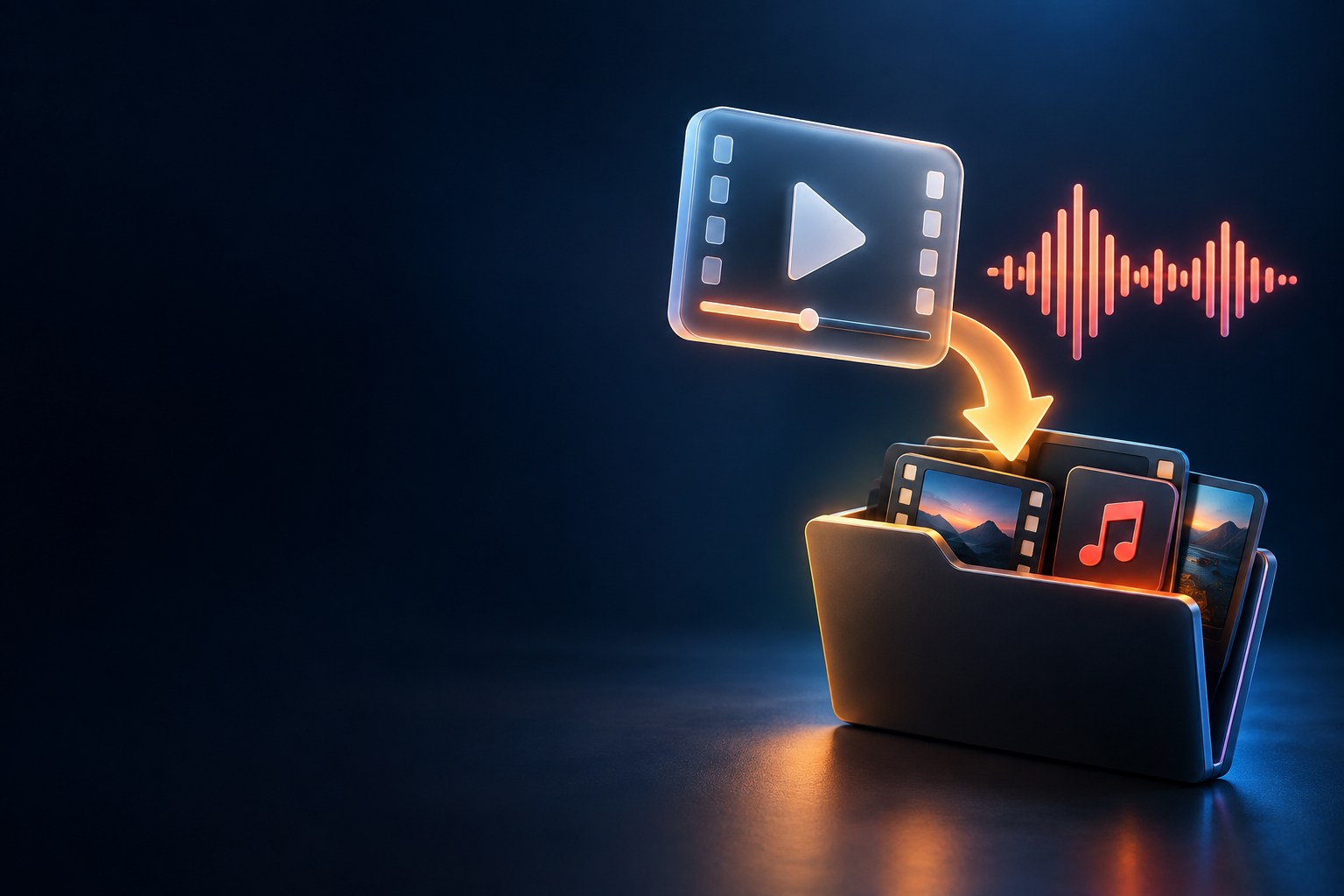
Organize video and audio downloads by link, with queue, progress, history, and media processing options.
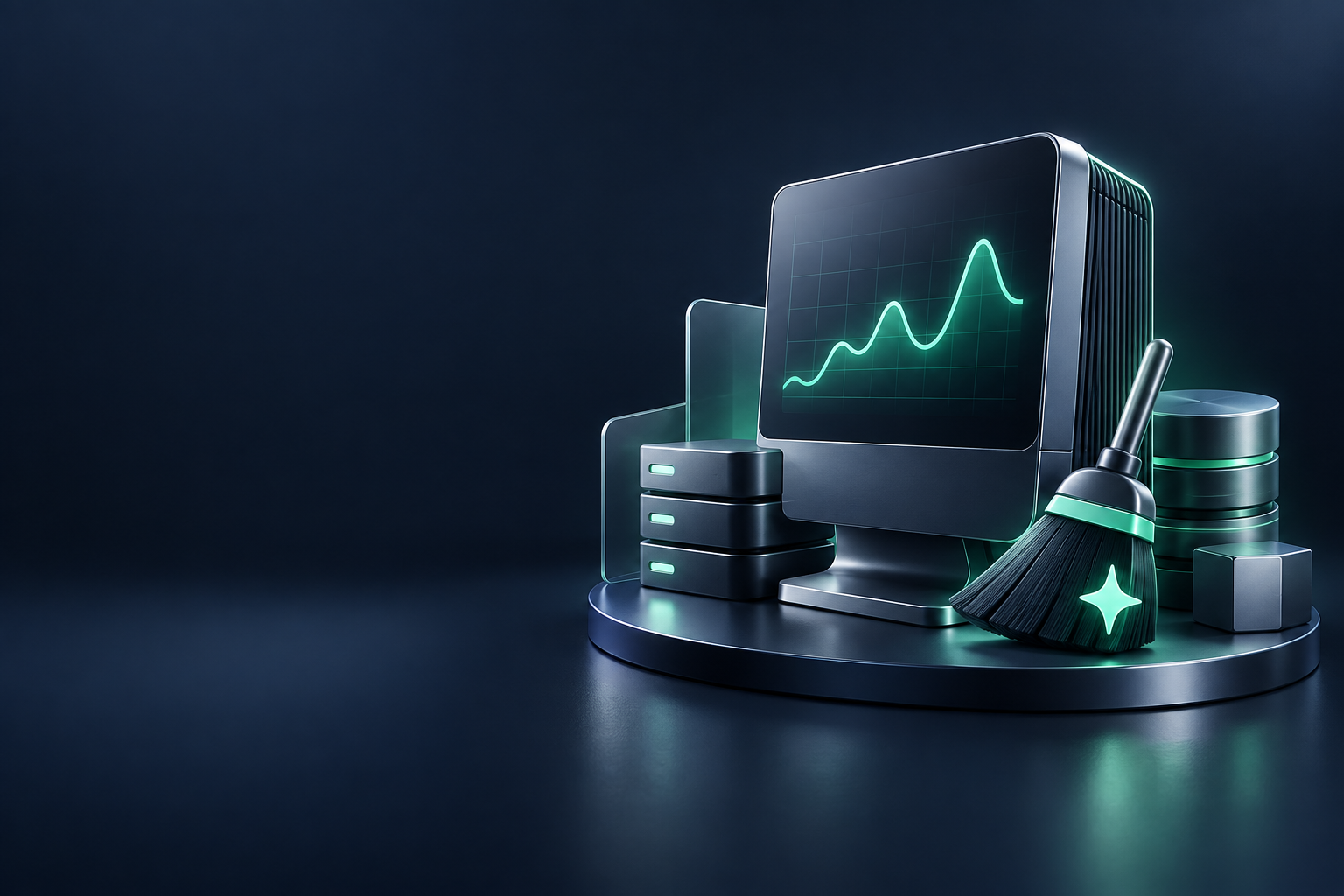
Check the status of your PC, search for duplicate files, and free up space by previewing detected items.
WinOptimizer Premium License: Turbo mode, scheduled tasks, and advanced tools for a one-time payment of $9.
FROM CATALOG TO DESKTOP
One account to save your apps and find them again.
Read the features, check the requirements and see the version on each app page.
Create an account or sign in. Free apps need no payment; paid apps unlock after purchase confirmation.
Download Kifly Launcher for Windows and sign in to install and open the apps in your library.
KIFLY LAUNCHER / WINDOWS
Install, open and check new versions from a single app. You need a Kifly account to download the launcher.
Available version 5.8.1
BEFORE YOU START
Quick answers to help you take the first step.
Read the full guide →Creating an account is free. Each app page shows whether the app is free or paid. Free apps can be added to your library without a purchase.
Yes. You can browse without registering, but you need an account to download the launcher and link apps to your library.
Sign in and open My library. Use the same account in Kifly Launcher to access your apps from Windows.
Kifly Launcher is available for Windows. Before downloading an app, check its specific requirements. If they are not listed, contact support.
Check that you are using the right account and that the app appears in your library. If the problem continues, send a ticket with the app name, version and error message. Do not include passwords.
From version 5.6.0, the launcher checks for new releases and downloads verified updates after you sign in. When an update is ready, choose Restart and update. Close running apps and wait for downloads to finish first.